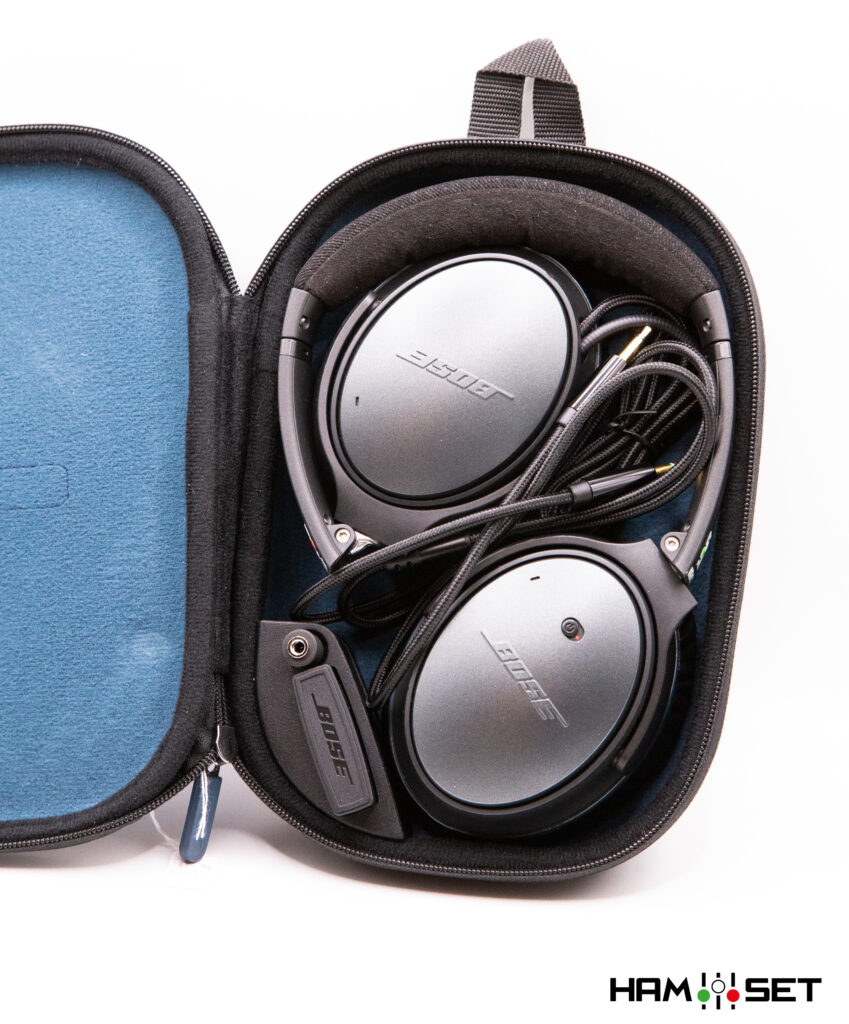
Back in its Bag!
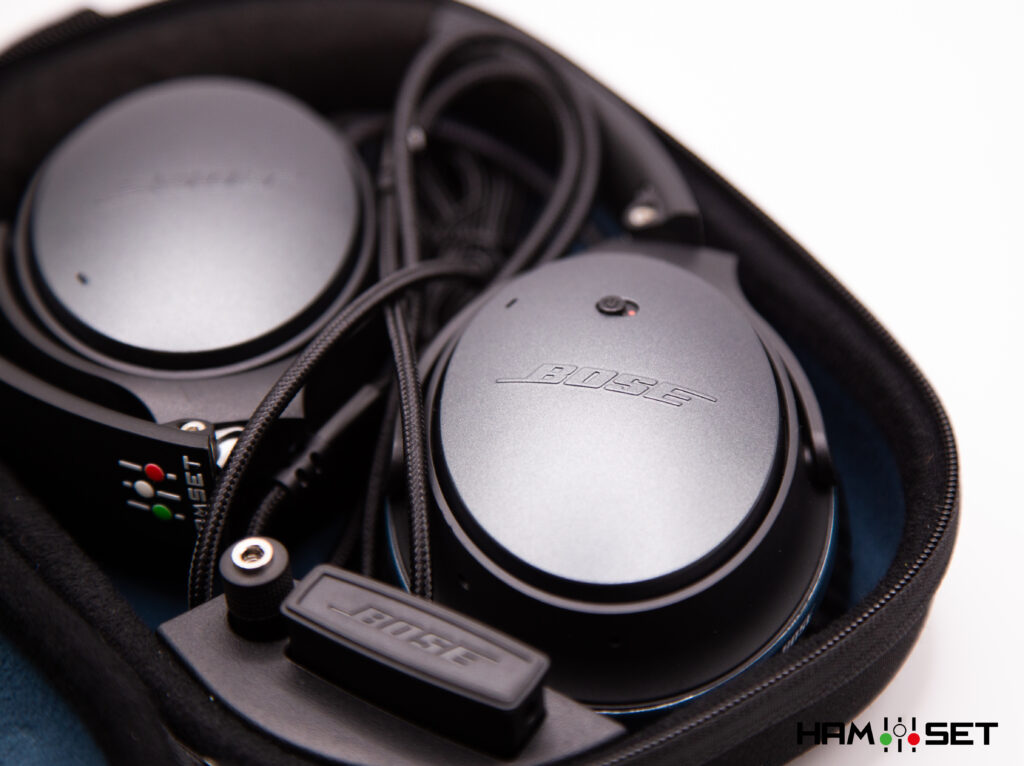
Over the years, I’ve seen everything.
I’ve seen HamSet headsets folded, twisted and squeezed into their cases in some very creative ways — sometimes in ways I would never have thought possible!
So, to make life easier for everyone, here are the simple instructions for folding your headset correctly and putting it back into its bag.
Follow these few steps and you can’t go wrong. Your HamSet will fit perfectly into its case, without forcing anything and, most importantly, without risking damage to the headset, the microphone boom or the cable.
It only takes a few seconds — once you know how to do it!
But before we start, there’s one important step that should never be skipped: cleaning your headset.
Clean it before you store it
A little care goes a long way. Keeping your HamSet clean after use helps preserve the materials, keeps it comfortable and can significantly extend the life of the headset.
Use a soft microfiber cloth slightly dampened with a mild glass-cleaning product for general cleaning. For the areas that come into contact with your head and ears, you can also use a small amount of isopropyl alcohol on the cloth.
Never spray any cleaning product directly onto the headset. Apply it to the microfiber cloth first, then gently wipe the surfaces and allow them to dry completely before putting the headset back in its bag.
The right way to store your HamSet in its case

- Starting position
Place the headset on the table exactly as shown in the picture.
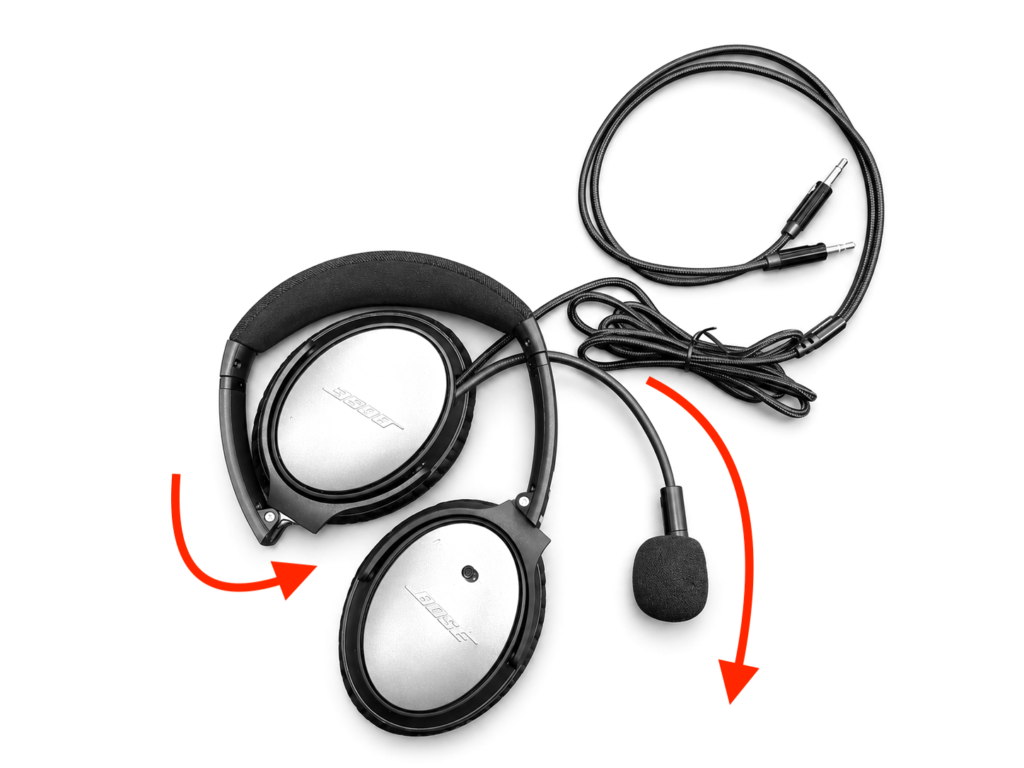
- Fold the left earcup inward, then bend the microphone boom downward.

- Place the microphone exactly underneath and inside the right earcup.
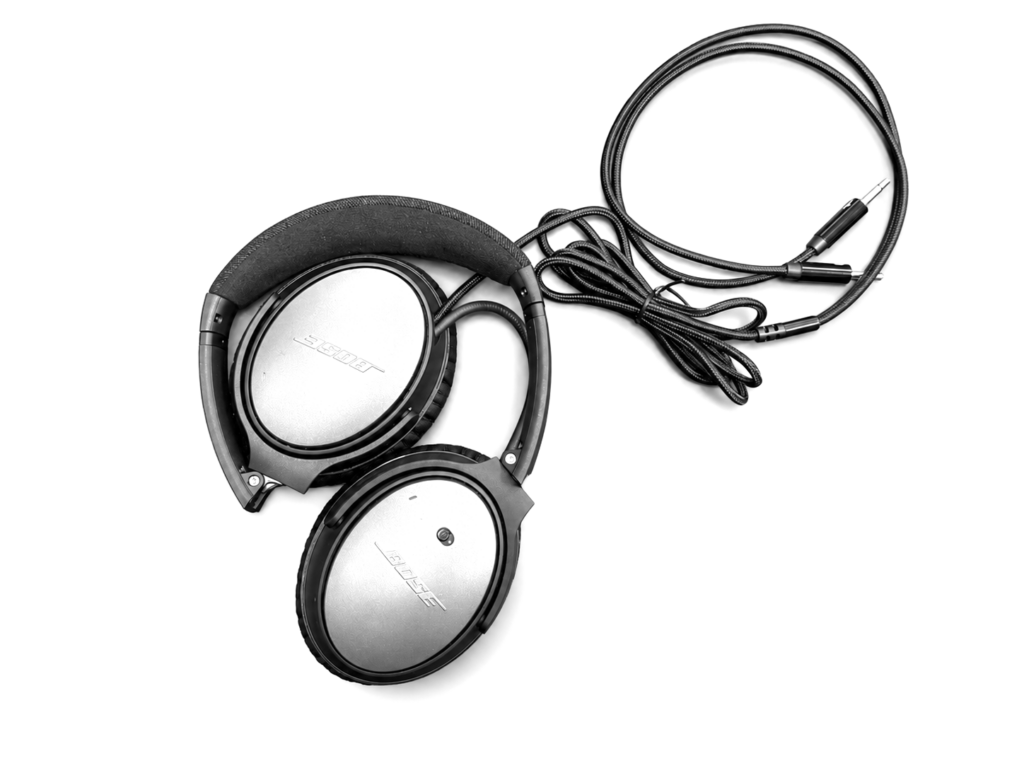
- Correct position before placing the headset in the bag.
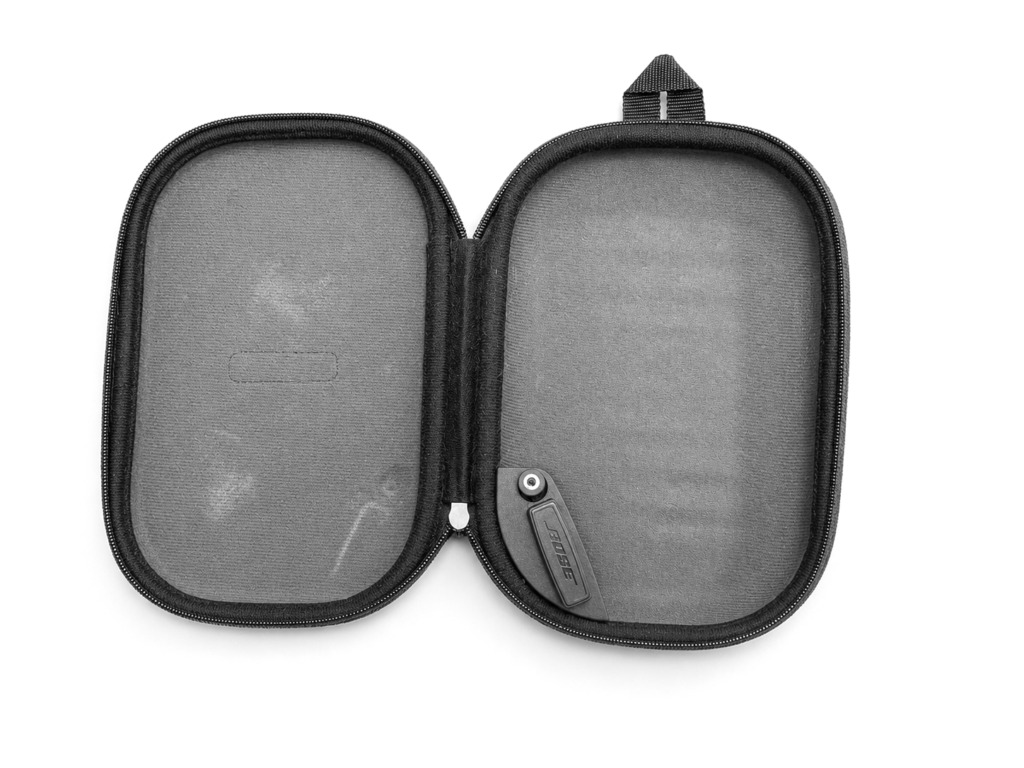
- Open the bag and lay it flat.

- Place the headset inside the bag, keeping it in the same position.

- Arrange the coiled cable between the two earcups, and place the remaining cable around the headset
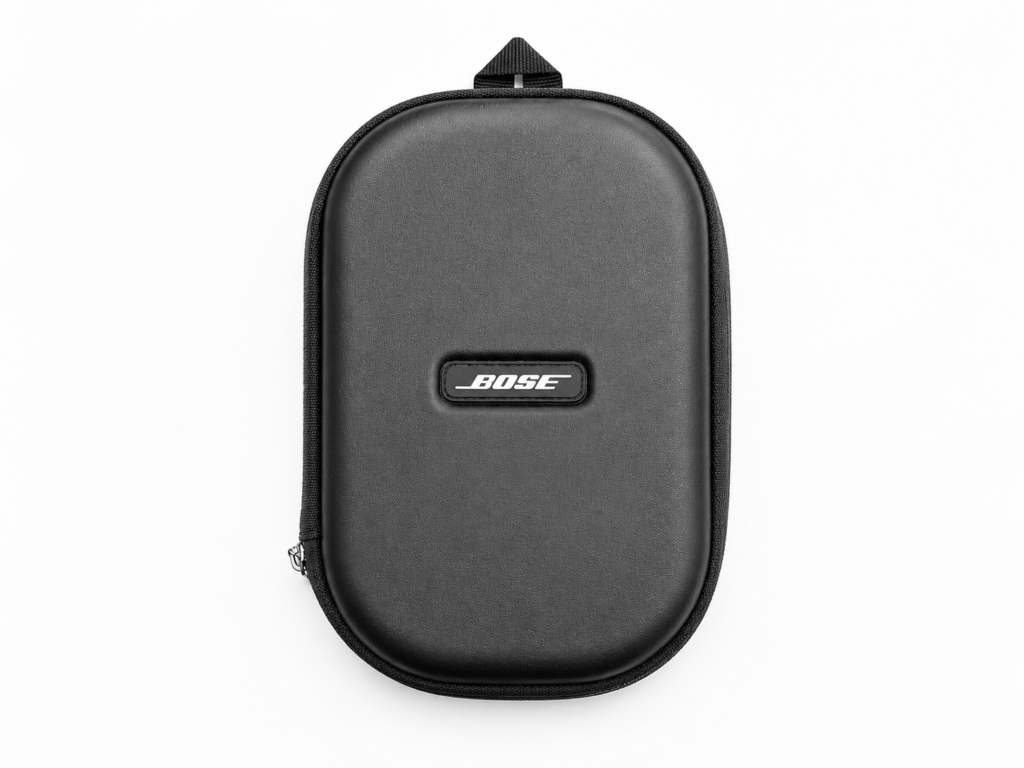
- That’s it! Close the bag and you’re ready for the next contest
Understanding On-Air Audio Reports
Learn what operators really mean when they describe your transmitted audio.
Is “too much bass” really a bass problem? Does “boxy” mean the same as “muddy”? And which EQ control should you adjust first?
Discover how to interpret on-air reports and turn vague comments into useful corrections.
Hear the Difference
Specifications cannot fully describe how a microphone sounds.
Visit Mic Sound Check to compare real recordings of the Dynamic Standard, Dynamic DX and reference microphone elements under repeatable on-air conditions.
Set Up Your SSB Audio Correctly
Good transmitted audio depends on more than microphone choice.
Visit SSB Audio Setup to learn how to adjust TX bandwidth, microphone gain, equalization and compression in the correct order, with practical starting settings for selected radios and HamSet microphones.
Which HamSet Is Right for You?
Not sure which headset, microphone element or configuration best suits your operating style?
Visit the HamSet Buyer’s Guide to compare the available models, understand the differences between the Dynamic Standard, Dynamic DX and Electret microphones, and choose the right solution for contesting, DXing or everyday use.